Managing multiple systems

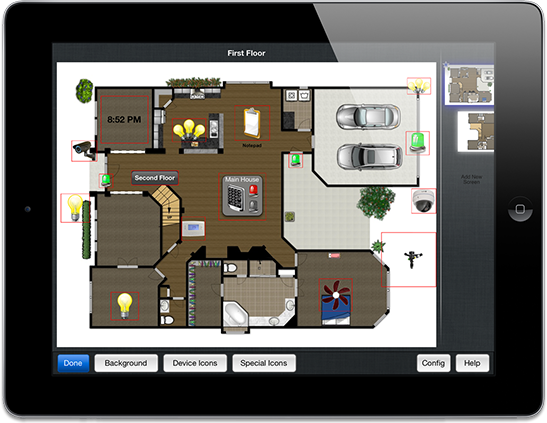
eKeypad contains extensive support for configuring and interacting with multiple systems. This includes both multiple instances of the same equipment or any combination of different equipment. Switching between systems. On the iPhone the top of the screen contains a navigation bar (on almost all screens). Double tapping the middle of this Read more

By eKeypad, ago

Making eKeypad Quiet

Several of the interface elements in eKeypad provide feedback by playing subtle sounds. A good example of this is the numeric keypads used for logins and alarm system control. Additionally, it is possible to setup alerts ( see the details screen for individual elements) that play sounds when specific state Read more

By eKeypad, ago

Configuring the M1

When integrating eKeypad with an M1 alarm and automation panel there are several M1 settings and features that need to be verified. The RP application is used for all of these items. The router for the network may need to be referenced for some information. Globals Section Open the “G29-G42 Read more

By eKeypad, ago

Setting Up Failover

[Updated January 2020] Starting in version 2.10.4 of eKeypad all configurable systems can include an optional failover address and port. Starting in version 3.4.16 of eKeypad the Failover Address and Failover Port fields have been renamed to External Address and External Port. This feature requires some specific steps to verify Read more

By eKeypad, ago